Open a referral or order in the patient’s chart
Navigate to the patient’s chart and open your EMR’s referral, order, or consult workflow. This is typically found under Orders, Referrals, or an Actions menu.
Search for PicassoMD in the provider directory
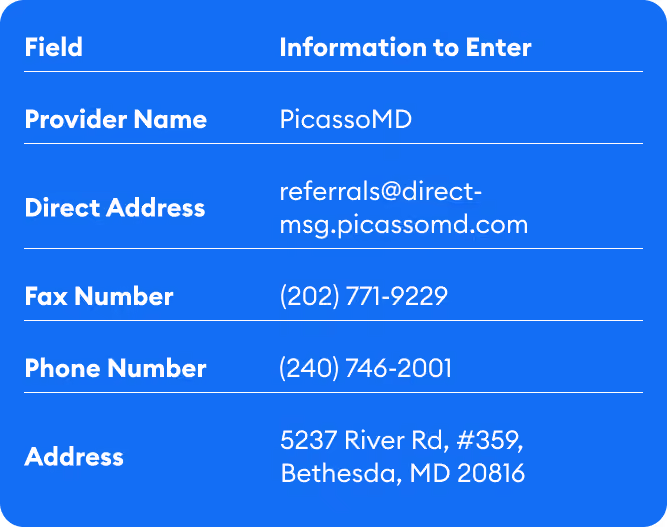
In the referral destination or Send To field, search for PicassoMD by name, address (5237 River Rd, Ste 359, Bethesda MD 20816), fax (202) 771-9229, phone (240) 746-2001, or direct address referrals@direct-msg.picassomd.com.
Complete the referral details
Fill in the required fields — specialty, reason for referral, and diagnosis. Attach relevant clinical documents (medications, diagnoses, allergies, imaging, labs) as supported by your EMR.
Send electronically or by fax
Submit the referral. If your EMR supports Direct Messaging via Surescripts or DirectTrust, choose Send Electronically. Otherwise confirm the fax number (202) 771-9229 and send by fax.
Not finding PicassoMD in your directory?
Most EMRs require an active Surescripts or DirectTrust subscription to access the national provider directory. Contact your EMR support to confirm this is enabled for your practice.