Download the App
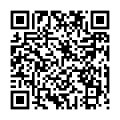
Scan the QR code to download and install PicassoMD on your mobile device.
Getting Started
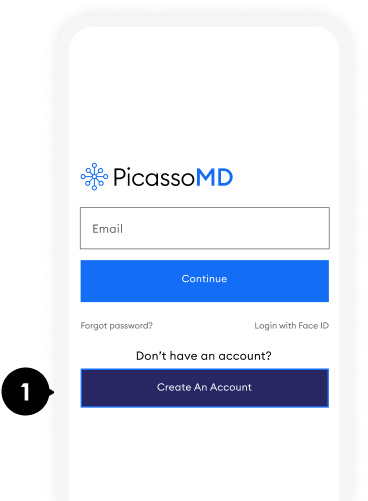
Create an account by tapping on the “Create an Account” button
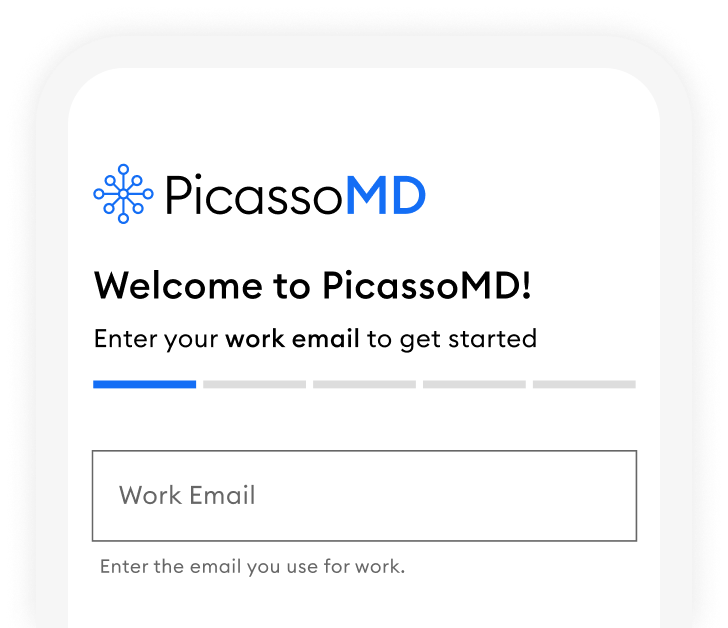
When creating your account, it is best to use your work email, if you have one.
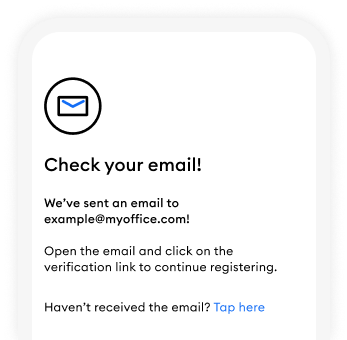
Verify Your Email
We will send an email to the account you entered. Tap on the link to verify your email.
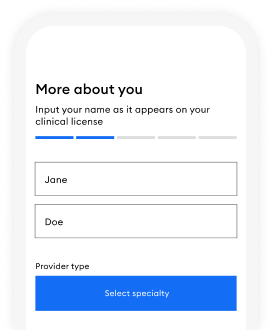
More About You
Next, tell us your legal first an last names, and select your speciality.
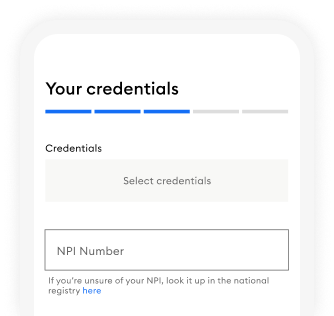
Credentials
Select your credentials and add your NPI number. Get help looking up your NPI number here.
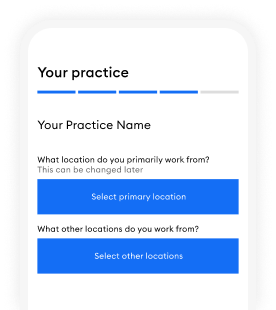
Practice Information
Tell us what practice location you primarily work from. If your practice only has one location, choose that.
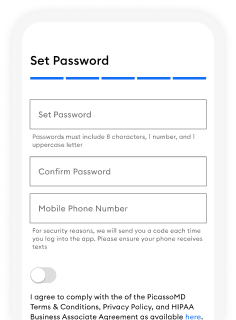
Password
Set and confirm your password, and provide your mobile number. Use a strong password.
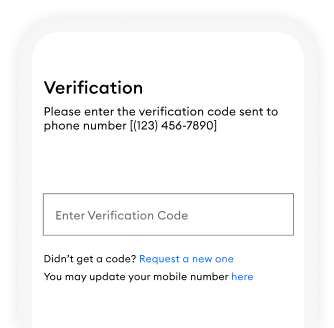
Verify Account
Last Step! simply enter the verification code we send to your mobile phone.
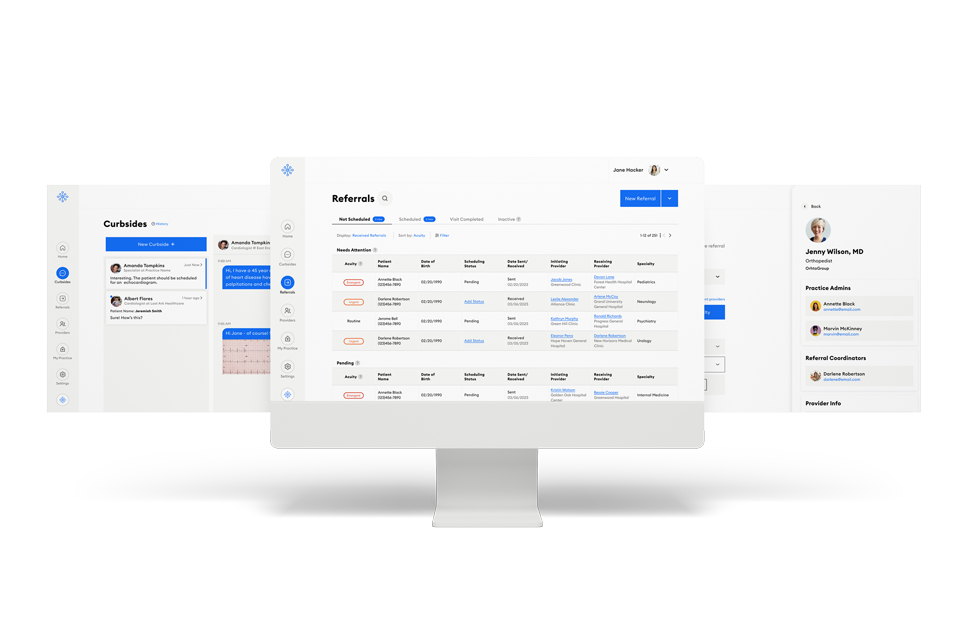
PicassoMD Web App
Now that you have registered, you can also curbside & manage referrals from the Picassomd web app by visiting app.picassomd.com
More info on logging in to the web app can be found here