
Step 1
Open a referral by clicking on it from the list of referrals in the Referrals section of your PicassoMD Dashboard. At top right, you will find the Updates selector.
Step 2
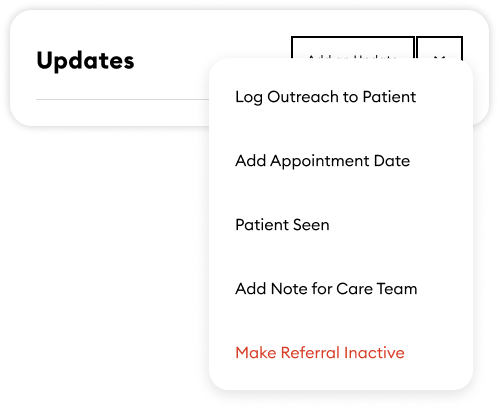
Click the Updates selector to choose what type of update to add. You can:
Log and Outreach attempt,
Add an appointment date,
Mark the patient as seen,
Add a note to the referral (including images),
Mark the referral inactive
Note: if you sent the referral, you can only add notes
Step 3
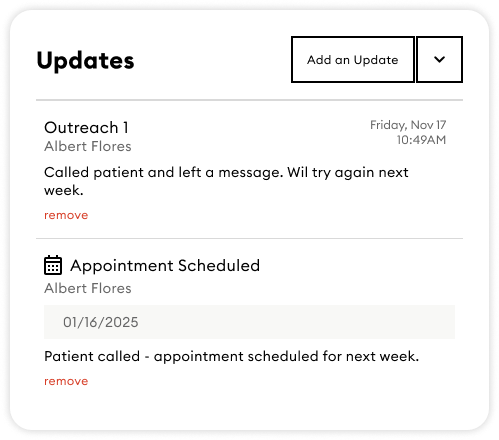
Your updates are shared with the entire care team.